Currently Empty: ₹0.00
Description
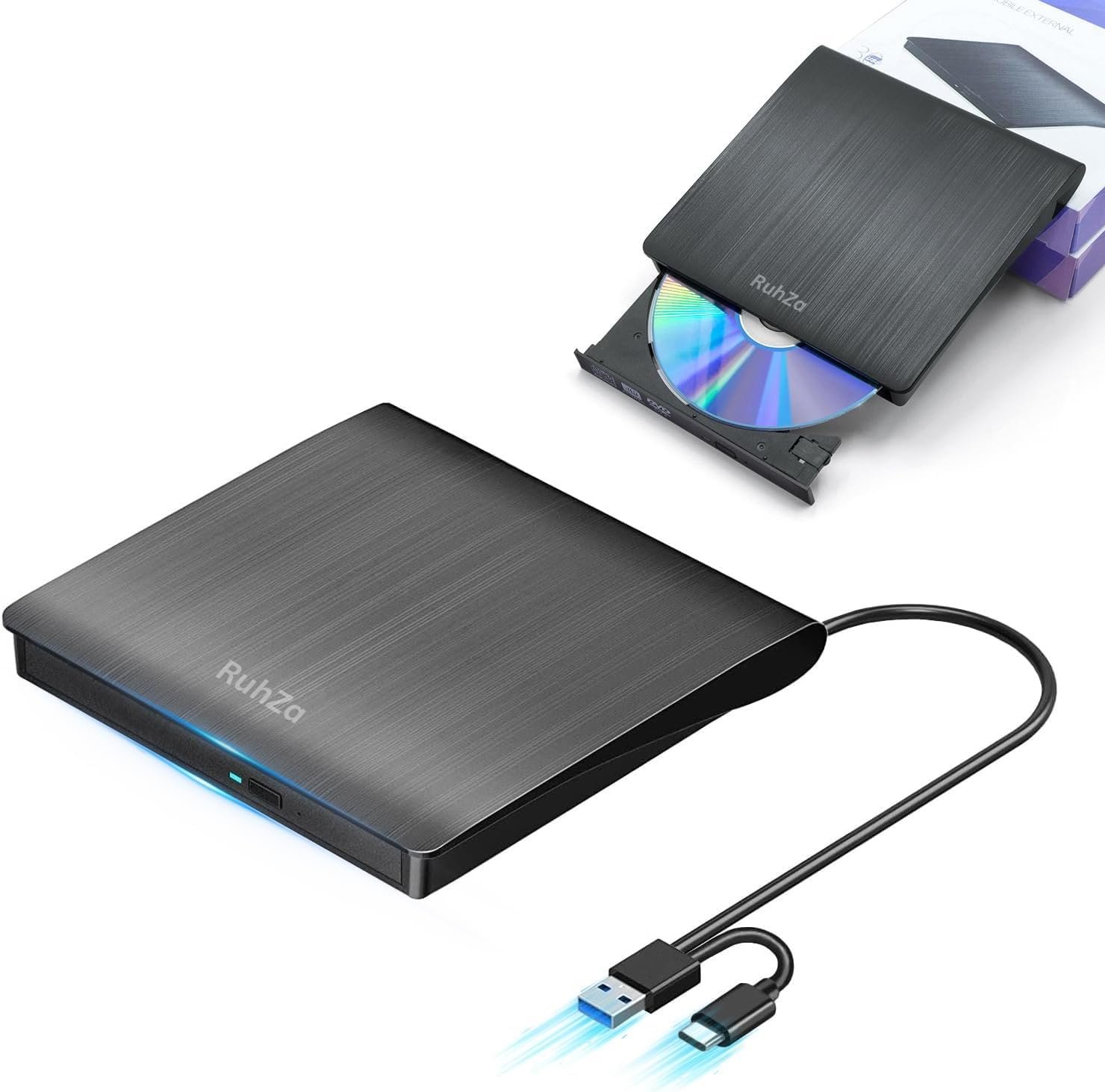
Brand: Ruhza
Color: Black
Features:
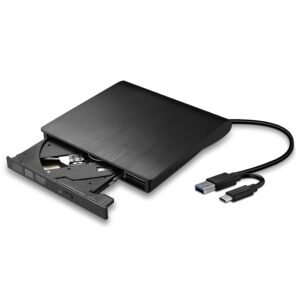
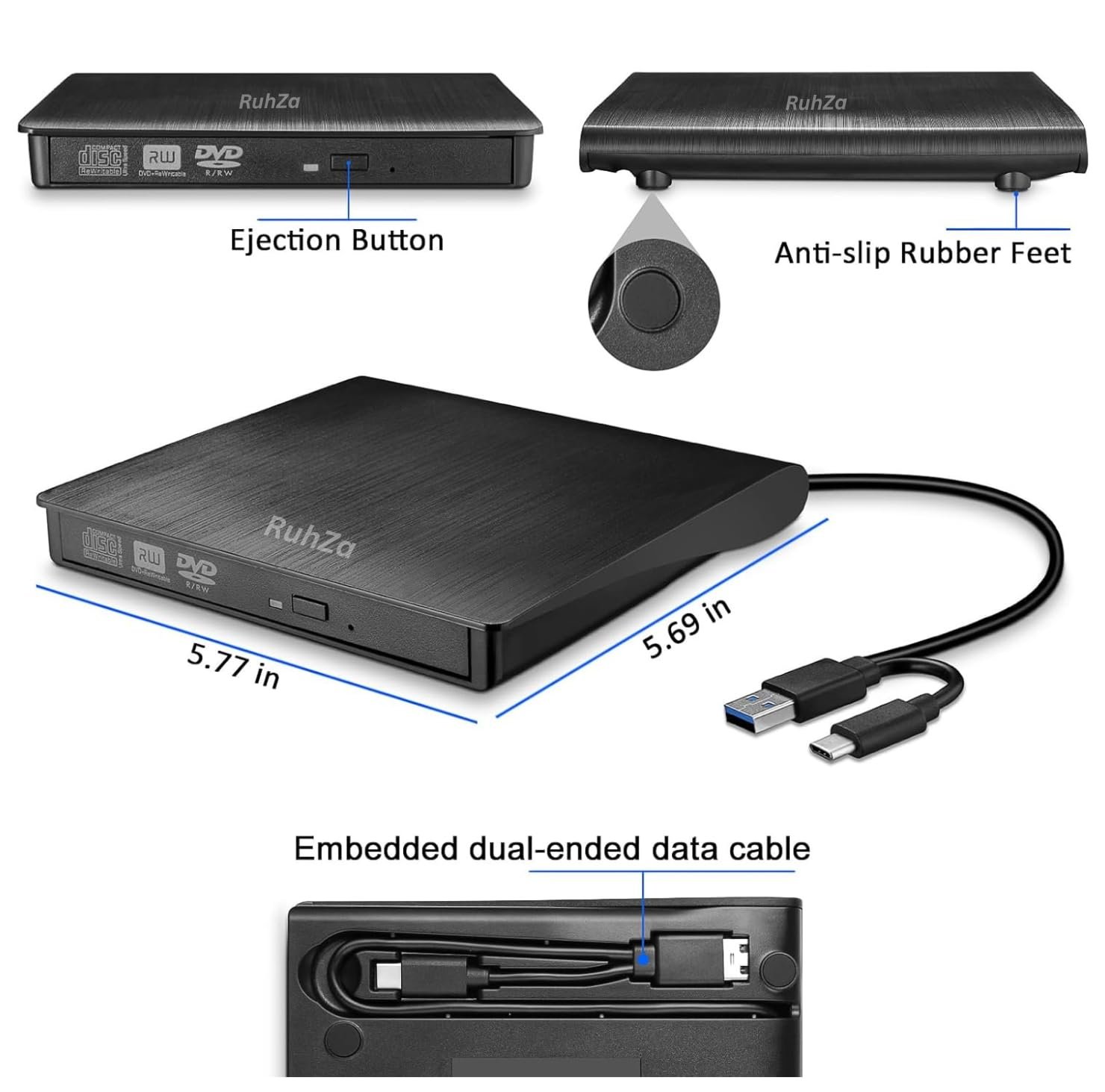
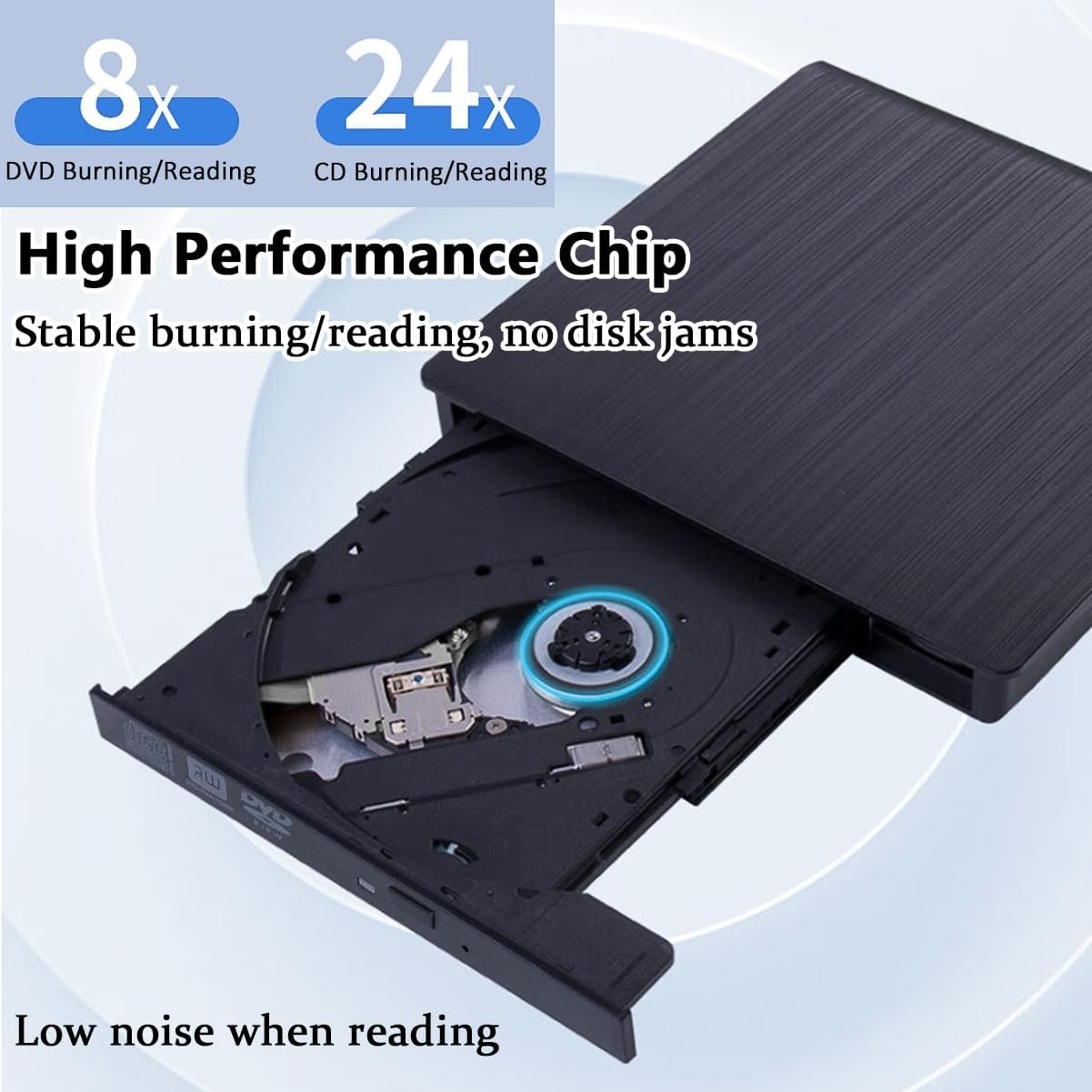
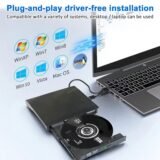
- 𝗛𝗶𝗴𝗵 𝗤𝘂𝗮𝗹𝗶𝘁𝘆 𝗖𝗵𝗶𝗽 & 𝗙𝗮𝘀𝘁 𝗣𝗿𝗼𝗰𝗲𝘀𝘀𝗶𝗻𝗴 𝘄𝗶𝘁𝗵 𝗟𝗮𝘁𝗲𝘀𝘁 𝗧𝗲𝗰𝗵𝗻𝗼𝗹𝗼𝗴𝘆: This RuhZa external CD/DVD drive uses the latest high-quality chip, which ensures faster data processing and improved accuracy. The advanced chipset allows for an incredibly smooth read for not only efficient business tasks but also for entertainment applications. Just plug into your computer with a USB 2.0/3.0 port or Type-C port and you can use this external drive immediately. No extern
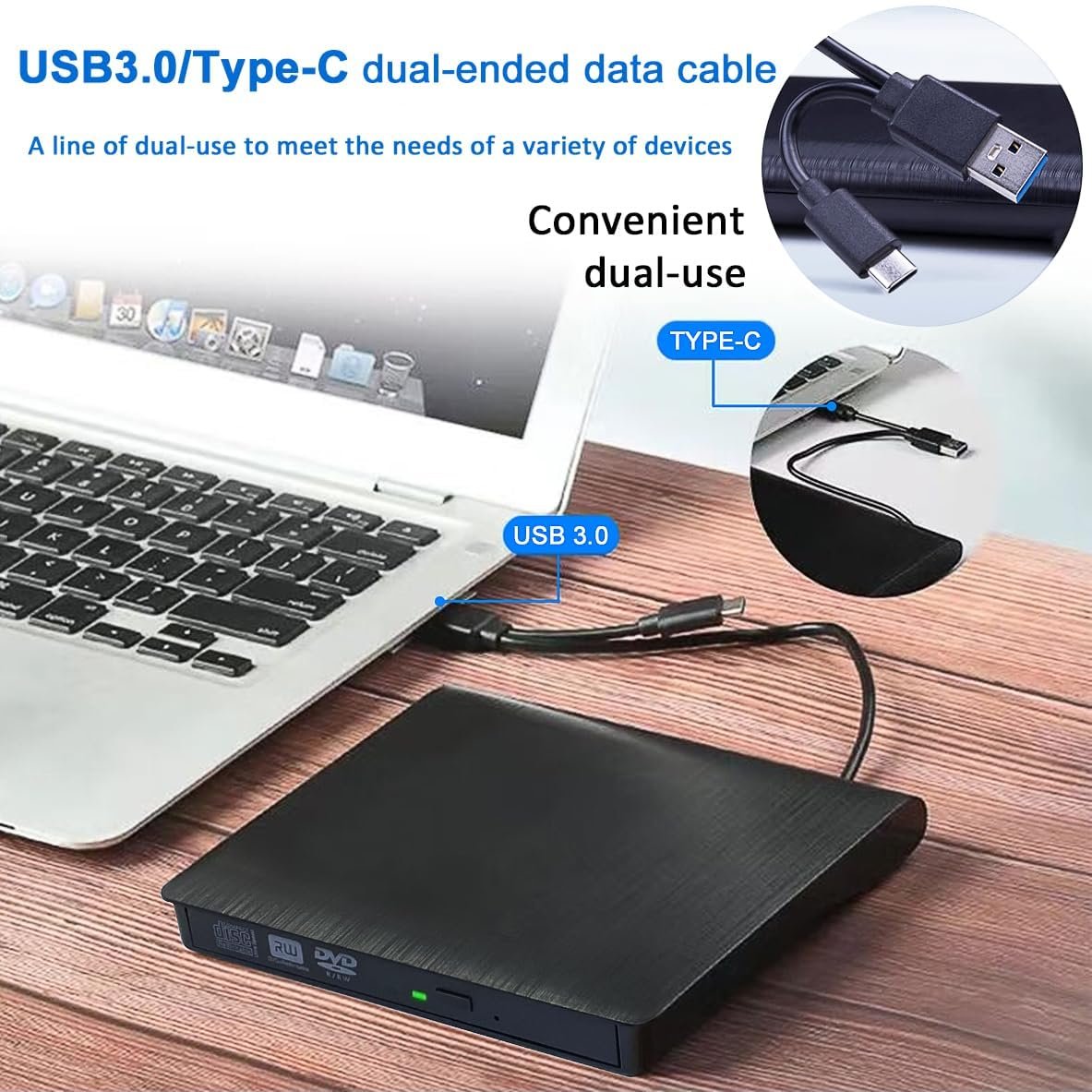
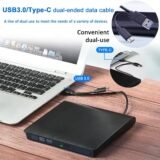
- 𝗨𝗦𝗕 𝟮.𝟬/𝟯.𝟬 + 𝗧𝘆𝗽𝗲-𝗖 𝗽𝗼𝗿𝘁 & 𝟴𝗫𝗗𝗩𝗗 + 𝟮𝟰𝗫𝗖𝗗: The dual USB and Type-C interface makes it easy to connect to a variety of devices and provides the convenience of quick plug and play. This amazingly fast external CD/DVD drive allows you to read and write DVDs up to 8x and CDs up to 24x Even if there is a large amount of data, it is ready to be processed. Whether it’s important business or leisure time, its efficiency and speed will exceed your expectations
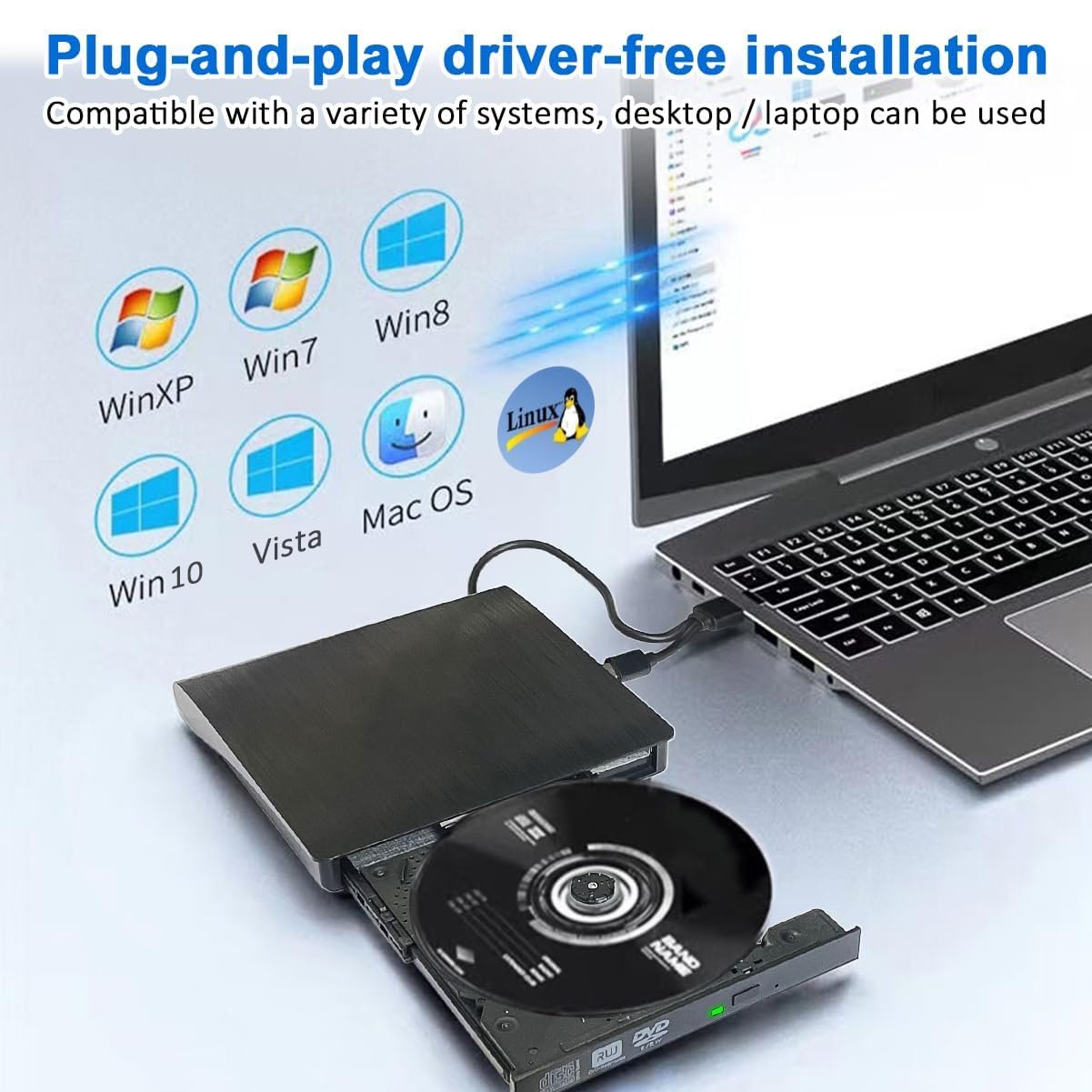
- 𝐂𝐨𝐦𝐩𝐚𝐭𝐢𝐛𝐥𝐞 𝐰𝐢𝐭𝐡 𝐚 𝐰𝐢𝐝𝐞 𝐫𝐚𝐧𝐠𝐞 𝐨𝐟 𝐝𝐞𝐯𝐢𝐜𝐞𝐬: Whether you are a Mac user or Windows user, this DVD player is perfect for you. Supports various operating systems such as Windows 2000/2003/7/8/8.1/10/11/XP, Vista, Linux. Just plug it into your PC with the included cable and it is ready to use. Supports various devices from Windows to Mac OS seamlessly (*Notice:If you can’t remove the DVD button (IN/OUT) after connecting the interface, you need to select [This PC] on you
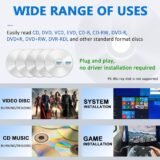
- 【𝐁𝐫𝐨𝐚𝐝 𝐌𝐞𝐝𝐢𝐚 𝐒𝐮𝐩𝐩𝐨𝐫𝐭】CD player supports CD/DVD-ROW, CD-R/RW, DVD+R/RW, DVD-R/RW disc formats (CD drivers also support M-DISC). The data write mode of this product requires professional software to download and is original writing software (non-original writing software may cause errors) When playing the CD, you need to check whether the computer is equipped with a player (if not, you need to download it yourself. Cyber PowerDVD 18 player can play most CD/DVD) CD/DVD is too old o
- 𝐒𝐢𝐦𝐩𝐥𝐞 𝐚𝐧𝐝 𝐂𝐨𝐧𝐯𝐞𝐧𝐢𝐞𝐧𝐭 & 𝐐𝐮𝐚𝐥𝐢𝐭𝐲 𝐀𝐬𝐬𝐮𝐫𝐚𝐧𝐜𝐞: When the external DVD port is connected successfully to your PC, the indicator light on the DVD external disc will flash for 1-3 seconds. The light will not always flash, only flash when the DVD/CD is connected and set up, and it will turn off when you read the data. If the system does not recognize the driver, the computer driver may be occupied. Click “Device Manager” to open DVD/CD-ROW Drive
Package Dimensions: 40x120x460